01
What the button does
Five steps that used to be manual, with a progress bar on top of the page while they run.
Open the patternclicks “enter pattern” for you
Hold the pagethe site jumps back after 1.9 s; one reload stops it
Wait for the canvasuntil the pattern is drawn
Scale to 2×884×791 → 1768×1582
Download the PNGstraight from the canvas
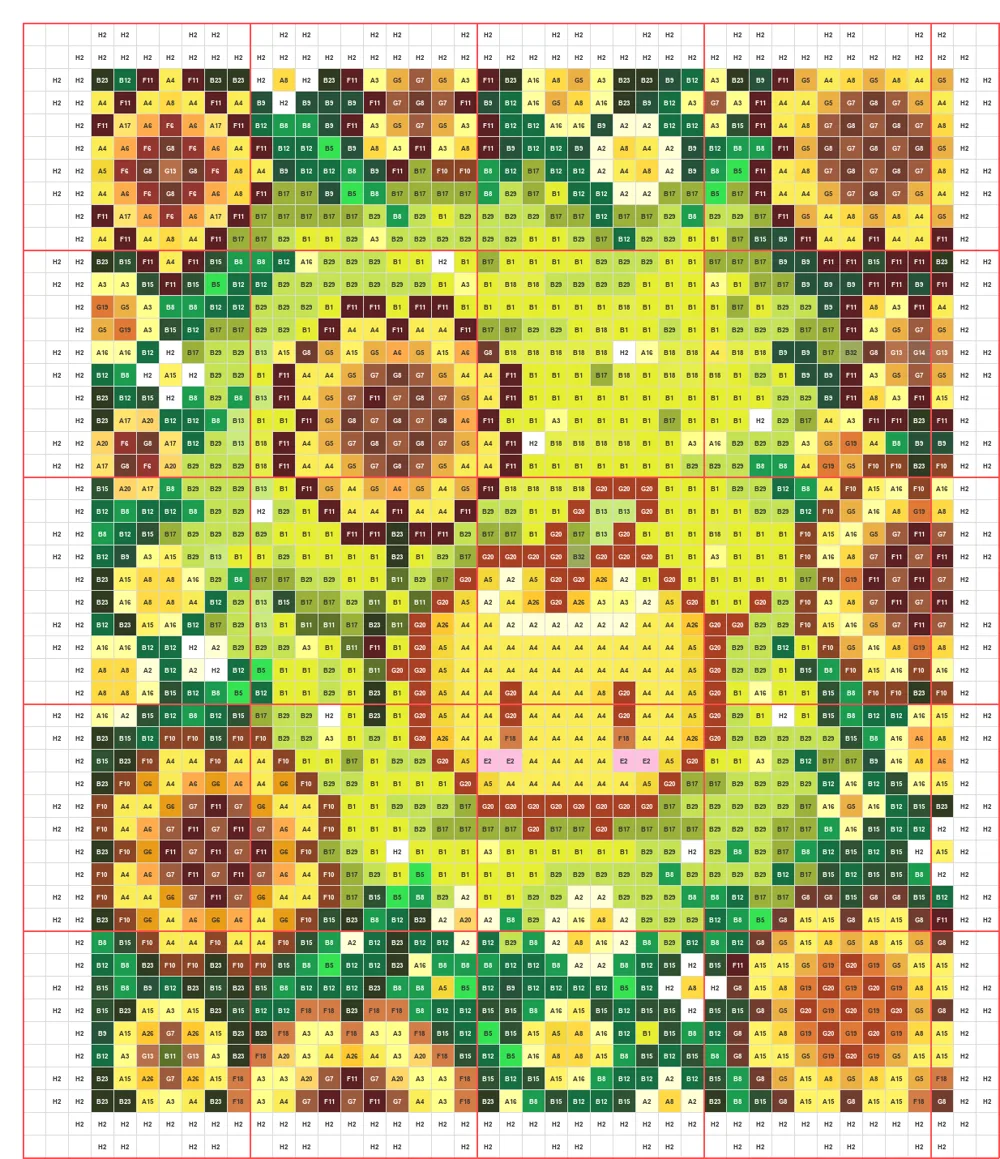
The extension reads the pattern from the page's own canvas, so it doesn't depend on the site's export feature. It shows the canvas size, output size, file size and, if something fails, why.
02
Install
Version 1.2.0. It isn't in the browser stores, so it loads as a developer extension.
Chrome or Edge
- Download and unzip the file below.
- Open
chrome://extensions(Edge:edge://extensions) and turn on Developer mode. - Click “Load unpacked” and pick the unzipped folder.
Firefox
- Download the file below.
- Open
about:debugging#/runtime/this-firefox. - Click “Load Temporary Add-on” and pick the file. Firefox removes it when it restarts.
Then sign in to AI豆仓, open “我的图纸” (my patterns), click a pattern and press the purple 一键下载图纸 button. The toolbar icon does the same.
It only works on the patterns you can open in your own account, and it sends nothing anywhere: no server, no tracking.